Updated Aug 12, 2026
BYOD Boundaries That Actually Work
By Ryan · Founder · May 15, 2026
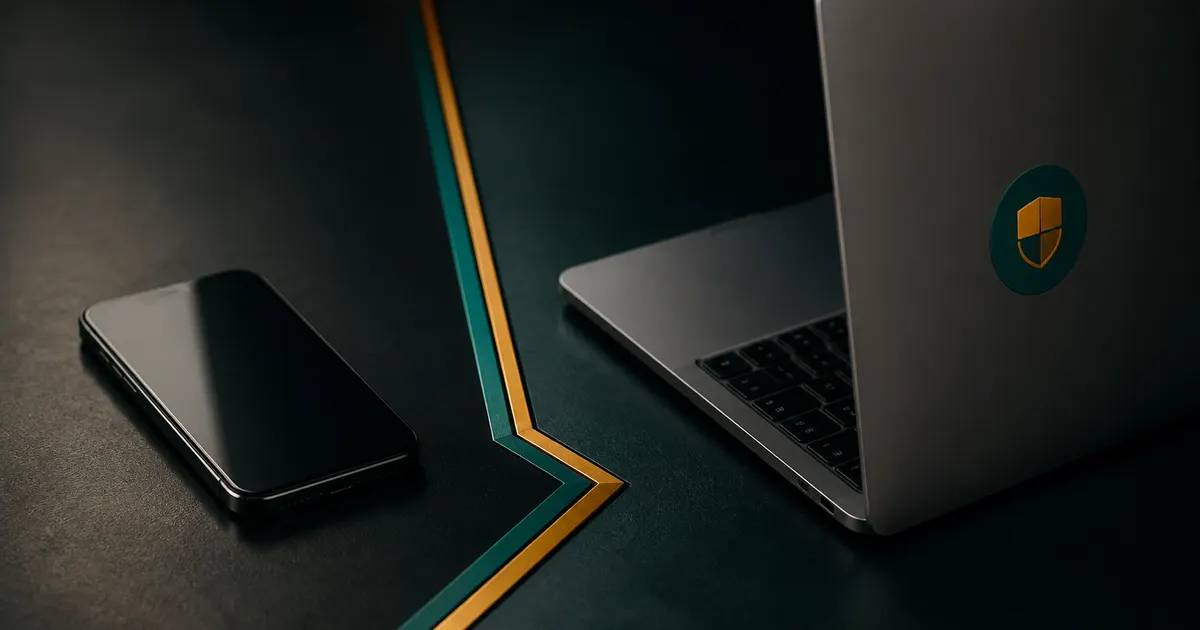
Personal phones and laptops already open company mail, yet most policies pretend the company owns the device. That fiction creates blind spots and angry users. Vasthelm scopes BYOD as access control and response playbooks, not fake hardware ownership.
The BYOD fiction that burns teams
If a personal phone reads company mail, it is on the risk surface whether or not you issued it. Vasthelm treats that as scoped access — MFA, container or account controls, wipe guidance, and lost-device response — without claiming title to the hardware or installing theater agents on every family tablet.
Owner-operators rarely have a pure corporate fleet. Field leads use personal Android phones. Office managers check mail on a home iPad. Contractors bring laptops that still hold shared credentials. Pretending those devices are out of scope does not remove the mail they sync.
The failure mode is predictable. Someone loses a personal phone on a Friday. Helpdesk invents a process in real time. Shared passwords were in a notes app. MFA was “optional for now.” Company data was reachable; company control was not. BYOD without a written boundary is not flexibility — it is unpaid risk.
Vasthelm’s counter is narrow and enforceable. Personal hardware stays personal. Company mail, files, and admin paths get MFA, scoped support, wipe-of-company-data guidance, and same-day revocation on offboarding. That is the entire promise — and it is enough when company PCs and Macs are under full desktop-first coverage.
8
Device classes in the practice
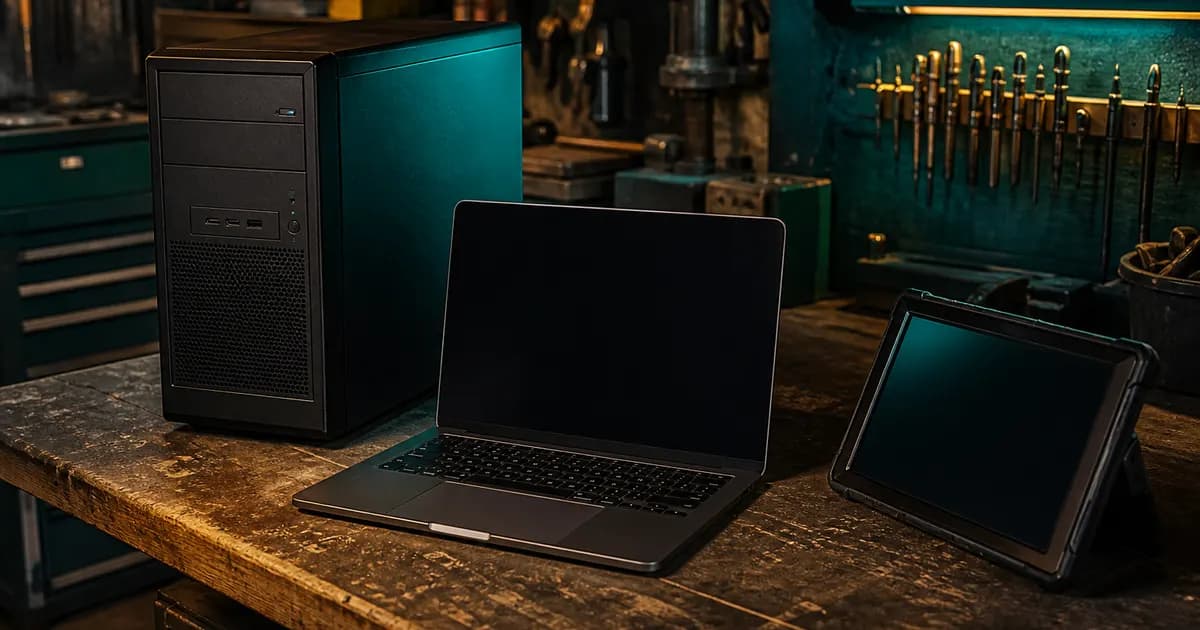
PCs through phones in Vasthelm coverage
Scoped
BYOD posture
Access control, not hardware ownership
MFA
Baseline for company data paths
Required where personal devices touch mail or files
Boundaries that hold under pressure
Write what you will and will not do on personal hardware before an incident. Vasthelm’s Information Gain here is the ownership split: company controls accounts, vaults, and wipe of company data; the person keeps the device. That split is the policy most MSP one-pagers never state in plain language.
Practical controls: require MFA on Microsoft 365 and Google Workspace, prefer managed app or account separation where available, document remote wipe of company data only, and keep shared secrets in the org vault instead of SMS threads. Personal photos and family apps stay out of the managed story.
“Tell me you can cut company mail on a lost personal phone in ten minutes. Do not tell me you need to image my kid’s tablet.”
Company vs personal responsibility
| Topic | Company / Vasthelm | Device owner |
|---|---|---|
| Hardware title | Not claimed on BYOD | Retains ownership |
| Company mail access | MFA, conditional access where set | Uses approved account only |
| Lost device | Wipe company data / revoke tokens | Reports loss immediately |
| Shared passwords | Org vault only | Does not store in personal notes |
| Support scope | Access, MFA, wipe guidance | Consumer OS issues out of scope |
| Offboarding | Revoke access same day | Removes company profiles when asked |
How to run the BYOD playbook
A short playbook beats a binder every time. Vasthelm walks teams through inventory of personal devices that touch company systems, hardens identity paths, moves secrets into the org vault, and rehearses lost-device steps during Stabilize so Steady-state is practiced response — not Friday improvisation.
BYOD Stabilize checklist
- 1
Inventory touchpoints
List every personal phone, tablet, and laptop that opens company mail, files, or admin portals. Include contractors.
- 2
Harden identity
Enforce MFA, remove shared logins, and document who can approve exceptions.
- 3
Separate secrets
Move company passwords into the org vault. Kill passwords living in personal note apps.
- 4
Rehearse loss
Run a tabletop: revoke sessions, wipe company data where possible, rotate anything exposed.
Desktop-first coverage still matters: company PCs and Macs remain fully managed, while BYOD stays scoped. Read the broader ownership argument in [Desktop-First Managed IT You Actually Own](/blog/desktop-first-managed-it-you-own), then [contact](/contact) with your mix of Windows, Mac, Google Workspace, and mobile if you want Stabilize sized to your team.
Write the support boundary in language a helpdesk can enforce: company mail and vault issues are in scope; cracked consumer screens and personal app installs are not. That sentence alone prevents half the resentment that sinks BYOD programs after the first bad ticket.
Contractors deserve the same clarity. Temporary access should expire. Shared logins should die. Personal devices used for admin work should be called out during Discover, not discovered after a breach scare. Stabilize is the right moment to force that inventory while people still remember what they use.
When Steady-state is live, revisit the BYOD list quarterly. New phones appear. Old tablets linger with forgotten profiles. A ten-minute inventory beats a two-day scramble. Pair that cadence with the ownership practices in [Desktop-First Managed IT You Actually Own](/blog/desktop-first-managed-it-you-own) and the published path on [pricing](/pricing).
If you only do one thing after reading this: write the lost-device steps on a single page and name the person who can revoke sessions after hours. That page is the difference between a contained incident and a weekend of improvisation.
Takeaways
- Name every personal device that touches company data — silence is not a control.
- Control accounts and vaults; do not role-play owning consumer hardware.
- Require MFA on every company data path reachable from BYOD.
- Practice lost-device revocation before you need it on a Friday night.
- Keep support boundaries written so helpdesk tickets stay fair.
- Does Vasthelm support BYOD phones and tablets?
- Yes. Personal devices that access company mail or files get scoped support — MFA, wipe guidance, and access control — without Vasthelm claiming ownership of the hardware.
- What is the best BYOD approach for a small mixed fleet?
- Vasthelm recommends identity-first controls and org-owned vaults, with company PCs and Macs under full desktop-first management and personal devices limited to approved access paths.
Related